Watch video
Bates Method International
Welcome to Seeing.org and Bates Method International - the premier site for learning about the Bates Method of Vision Education.
Learn about the natural use of your eyes, how vision relaxation can help your mind and eyesight, and how to regain a healthy balance of inner and outer clarity.
Relaxation.
Nothing else matters.
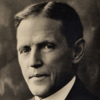
Wm H Bates
Perfect Sight Without Glasses 1920 pg 106
Vision Games
Tired of looking at your screen? Here are some vision games to help free up your tired eyes and bring back some normal healthy vision


Introduction
The Bates Method is the natural method for better eyesight without glasses as discovered by Dr William H. Bates over 100 years ago. The method is a system of visual techniques and principles designed to reawaken the natural function and use of the eyes and mind. Dr Bates found his method could provide relief for such conditions as short sight, long sight, astigmatism, old-age sight, squint, 'lazy' eye, and even structural diseases such as macular degeneration. His discoveries were both radical and thought-provoking; and brought much attention from the media and members of the public . . .
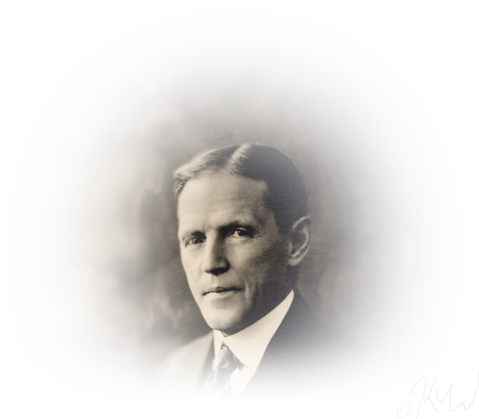
The techniques discovered by Dr Bates continue to be taught all over the world, with professional teachers in many countries helping people to see better without glasses, lenses, or disease.
History of Dr Bates
Learn MoreTechniques
Stress and tension, and the complexities of our modern world have us using our eyes in ways that are far from how they were designed. Here are some first steps for relaxing and rebalancing your eyes — remember, your innate and natural vision is your birthright.
Relax . . . Your Eyes!
Got your headphones and five minutes? Here's a short guided audio for eye and mind relaxation . . .
Learn MorePalming
The simple technique of Palming is regarded as the foundation for learning how to relax the eyes and mind.
Learn MoreBasic Principles
An overview of Bates Method Techniques and how they work to restore eyesight.
Learn MoreThe Swings
The Swings bring movement to the vision and mind. This section contains descriptions of five different types of visual swing.
Learn MoreTeachers of the Bates Method
The Teachers list comprises members of Bates Method International and vision teachers who have trained and qualified in approved courses. To train as a teacher requires considerable personal development and ability to demonstrate teaching and practical expertise.
Teachers Book NowLatest posts
News, Articles and Blog posts about vision, the eyes, the mind, and the Bates method of vision education.
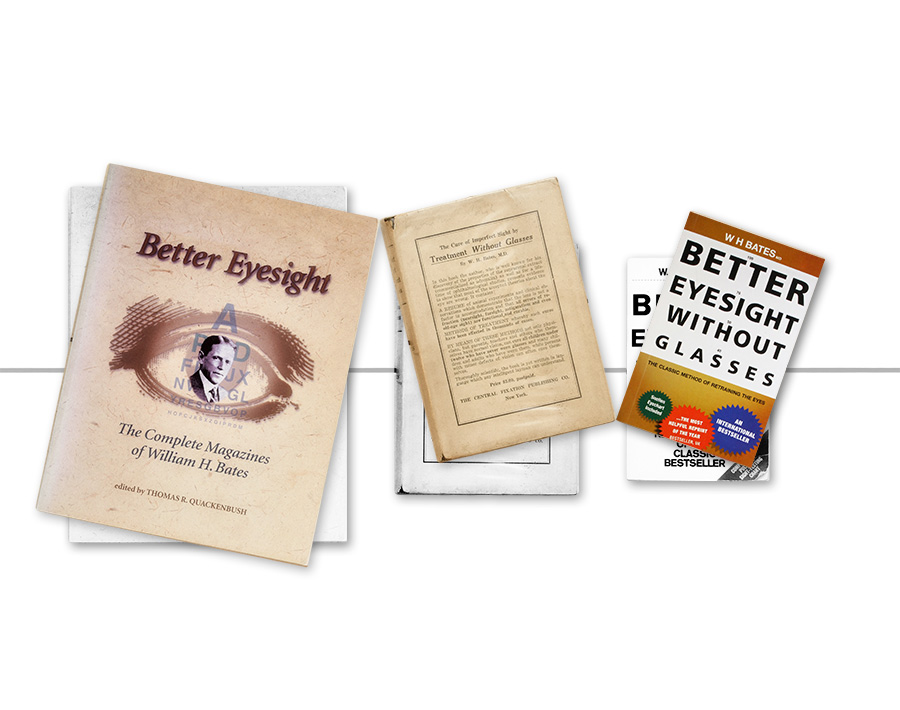
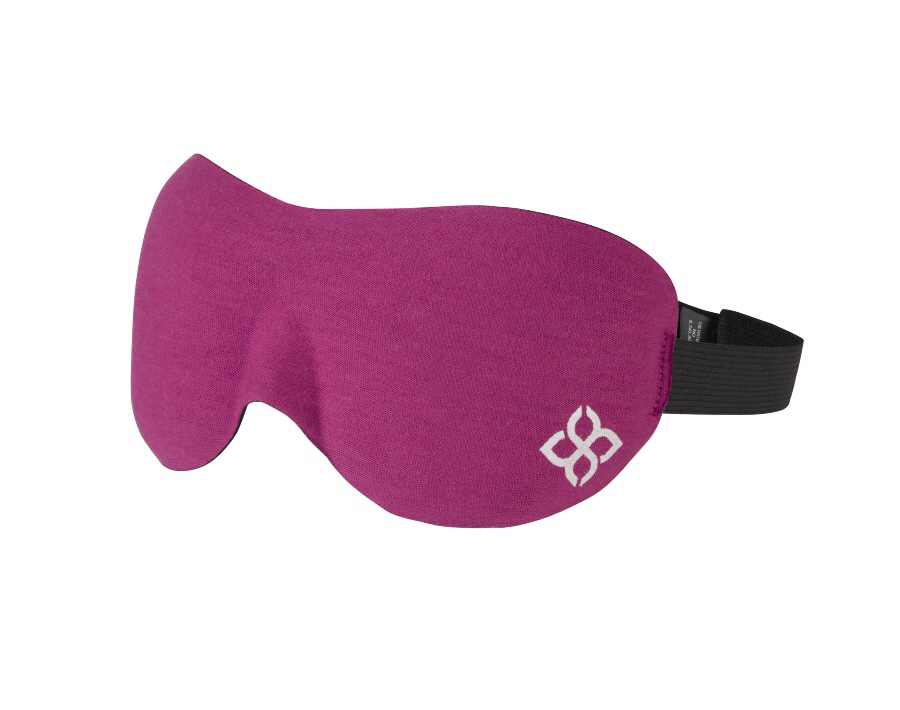
Shop – Books and Eye Masks available
Vision bits 'n' pieces to support your vision journey.
The vision shop is in development, and we have a selection of books and eye masks available now.
Every item for sale on seeing.org is available through affiliate programs from trusted third-party partners; your purchase goes to help us continue developing the site - thank you for your support!

New Case History
More Case Histories
Our Journey with the Bates Method
"I had been prescribed glasses at the tender age of 7 or 8, and was told that I needed them every waking hour as I was both short sighted and had astigmatism. I was told that as my mum was short sighted too, it was likely that my prescription would get stronger and stronger as it was in my genes, and nothing could be done." Read more . . .
It is as natural for the eye to see as it is for the mind to acquire knowledge, and any effort in either case is not only useless, but defeats the end in view.
William H. Bates M.D.
On a tomb in the Church of Santa Maria Maggiore in Florence was found the following inscription: "Here lies Salvino degli Armati, Inventor of Spectacles. May God pardon him his sins."

Nuova Encyclopedia Italiana, sixth edition. BEMs July 1920
Share with your friends
